Privacy & Local Processing
How the comparison tool handles sensitive lists and why that matters for operational work
For list comparison tools, privacy is not just a policy page detail. It changes whether the tool is safe to use for customer exports, email suppressions, QA data, or internal IDs. This project is designed so comparison work happens in the browser instead of depending on a remote backend for the core diff logic.
What local processing means here
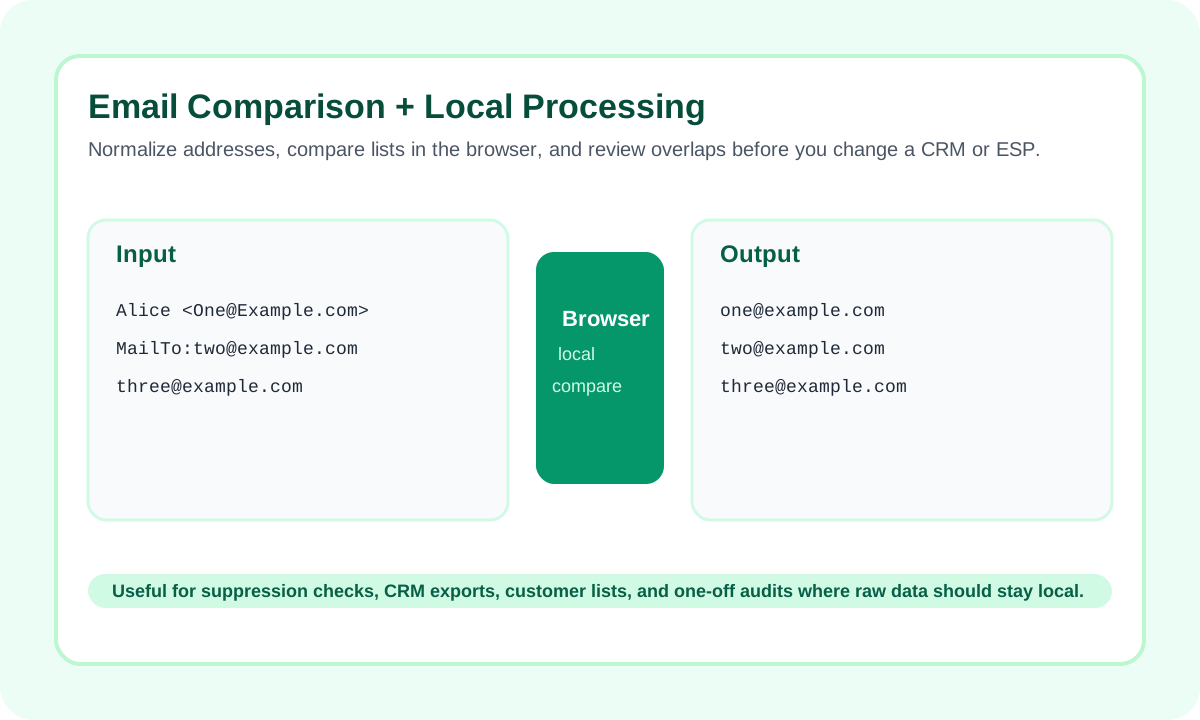
Why that matters for real-world list work
- Useful for customer and subscriber exports
- Useful for suppression and exclusion checks
- Useful for QA or internal operations data
What users should still do carefully
- Keep original exports in a secure system of record
- Review samples before making destructive CRM or ESP changes
- Use normalized working copies when email addresses or IDs need cleanup
When to use this tool versus a scripted workflow
| Need | Local tool first | Move to system / script |
|---|---|---|
| One-off audit | Yes | Later only if needed |
| Sensitive export spot check | Yes | Only after the mismatch is understood |
| Scheduled operational job | Use for validation | Yes |
Conclusion
The main privacy advantage of this project is practical: it lets you compare sensitive lists quickly without turning a simple check into a server-side processing dependency.
FAQ
Why is local processing a competitive advantage here?
Because many list-comparison tasks involve customer, subscriber, or internal data that teams do not want to route through an unnecessary backend step just to get a diff.
Does this remove the need for review before bulk updates?
No. Local processing reduces friction and exposure, but mismatch decisions should still be reviewed before CRM, ESP, or database updates.